

Microsoft Teams notification messages
This page describes the messages Sifflet posts to Microsoft Teams. To connect a Teams channel, see Microsoft Teams. To choose which monitors notify which channels, see Notification rules.
Incident messages
| Message | When it is sent |
|---|---|
| Incident created | A new incident has been opened. The message shows the monitor that opened it. |
| Incident updated | A monitor was added to an incident that already existed. |
| Incident closed | The incident is closed. It is posted to every channel the incident has notified. |
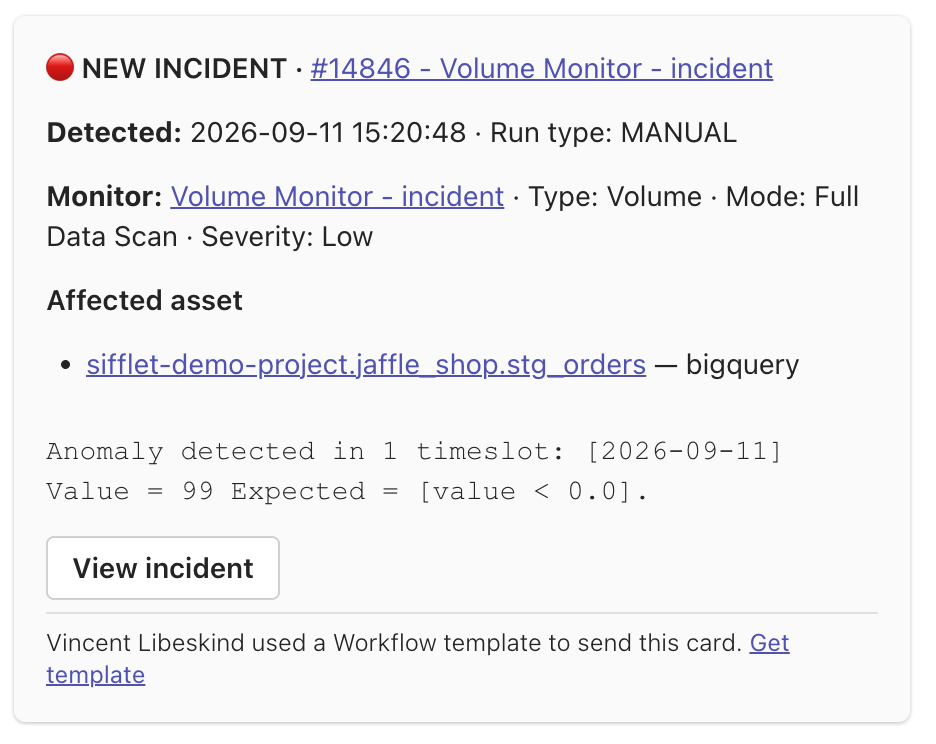
Incident Created
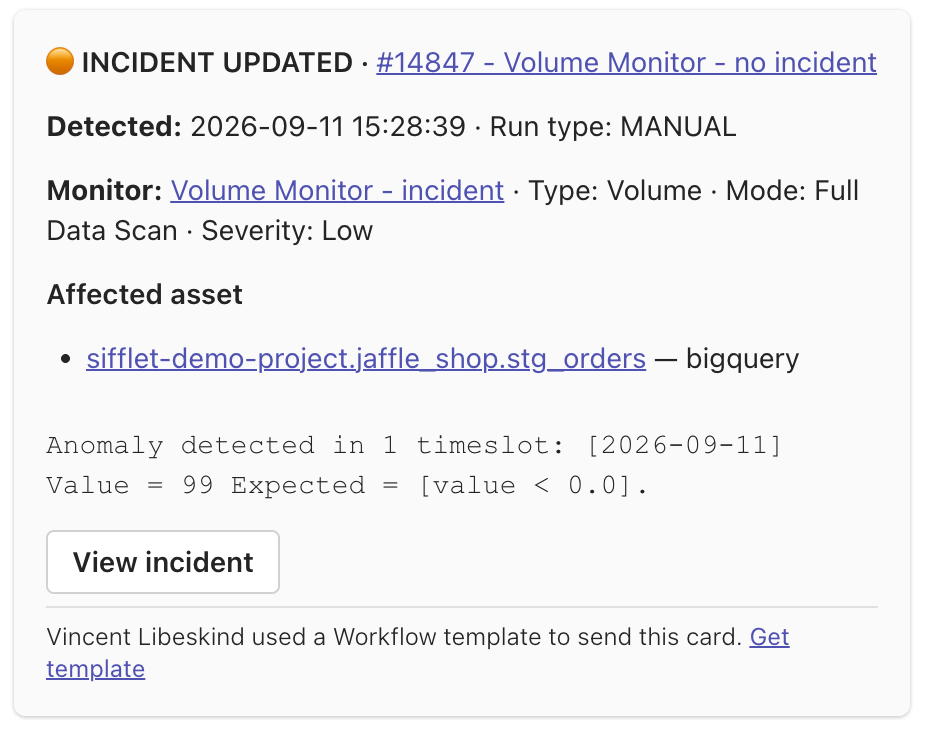
Incident Updated
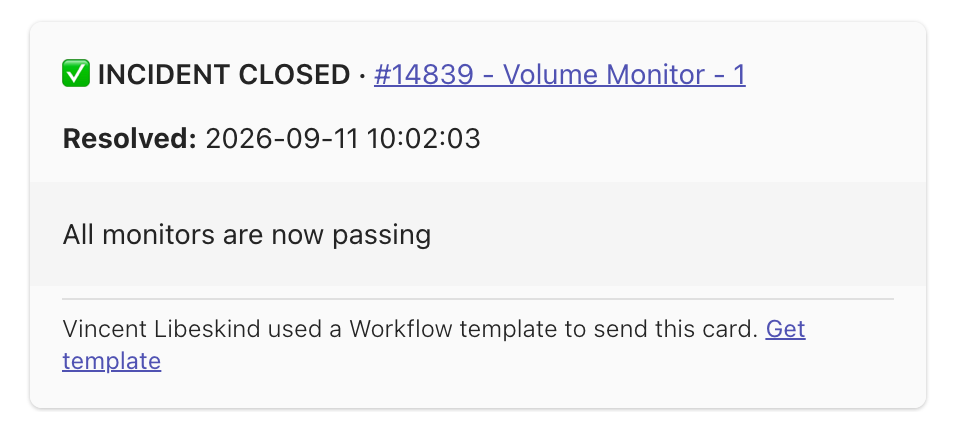
Incident Closed
Monitor messages
These messages are sent when a monitor is not tied to an incident.
| Message | When it is sent |
|---|---|
| Monitor failure | A monitor run failed its threshold. |
| Monitor needs attention | A run could not reach a verdict: a technical error, or a run that requires a human look. |
| Monitor recovered | The monitor is passing again, after failing or needing attention. |
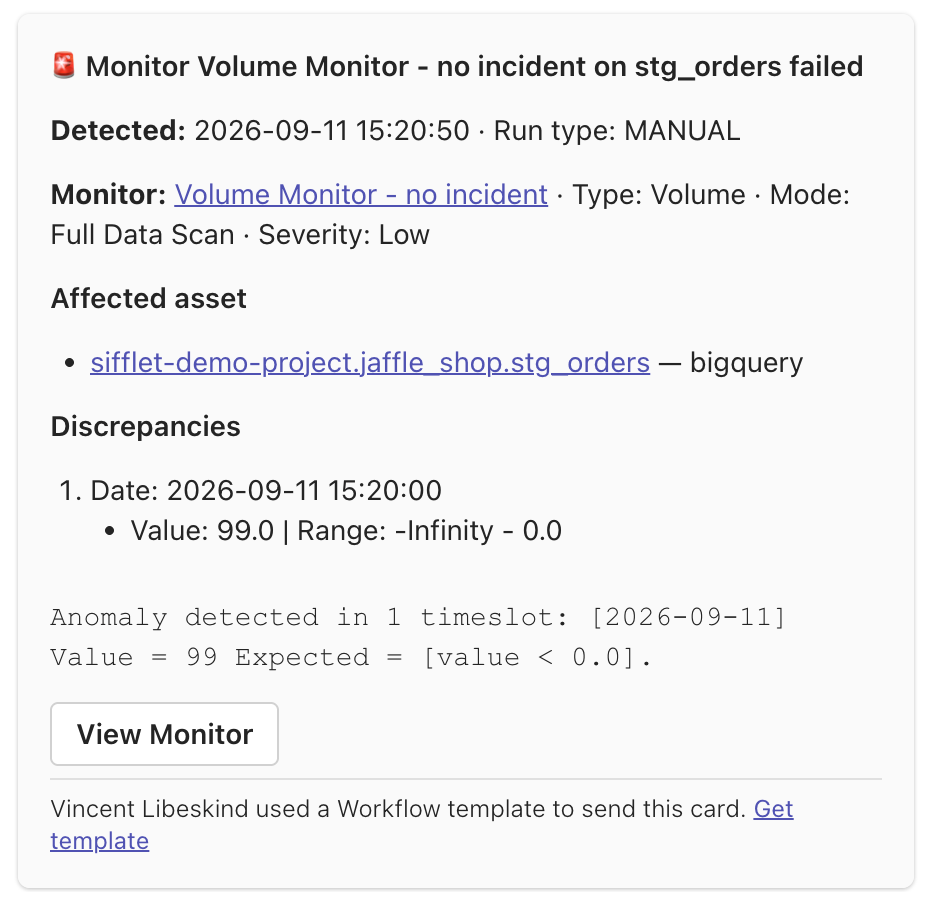
Monitor Failure
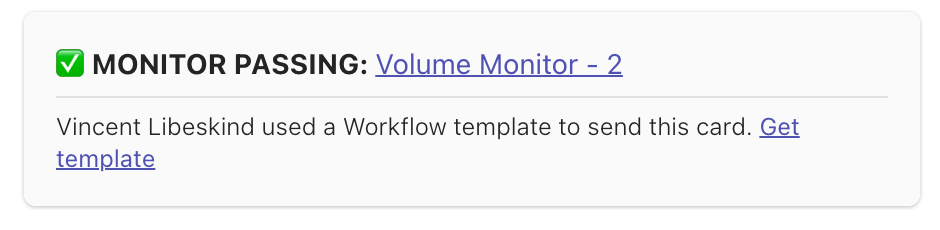
Monitor Recovered
Differences with Slack
- Messages are not edited in place. Closing an incident or a monitor recovering posts a new message.
- Assignment notifications are sent by email only.
- Successful monitor runs (
MONITOR_SUCCESS) are sent to webhooks only.
See the Notification catalog for the complete list.
Updated 20 days ago
Did this page help you?