

Volume (Static)
Overview
The Volume monitor is a table-level metadata monitor that detects changes in the volume of newly ingested data. Significant changes in data volume may indicate data duplication, data loss, or data corruption. By identifying and addressing these issues early on, you ensure data accuracy, enabling reliable analysis.
Metadata MonitoringMetadata is information about data, including its structure and the transformations applied to it. Metadata monitoring helps you identify and address issues related to data integration and data transformations.
As data volumes and complexity grow, metadata monitoring helps you keep your data reliable.
How It Works
Overview
The Volume monitor compares the actual volume of data ingested in a dataset per time interval (an hour, a day) with the expected volume of ingestion based on a set threshold. It is especially useful for pipelines in which data gets re-uploaded in its entirety at every update. Use it to make sure that no data gets lost between runs by comparing the number of rows to either an absolute value or the previous run value.
Comparison Modes
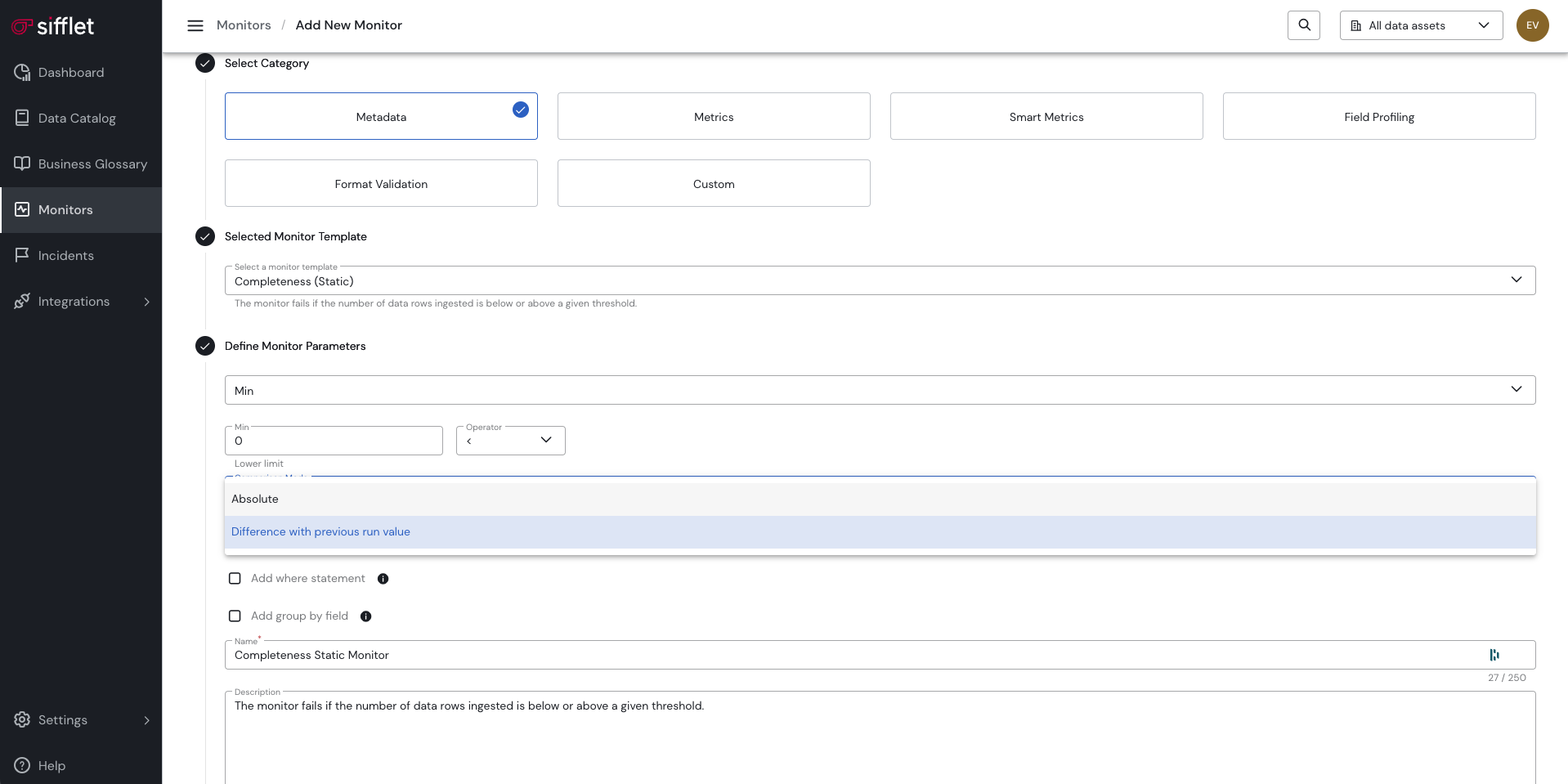
The static Volume monitor template comes with two modes: Absolute and Difference with Previous Run Value.
Absolute
In Absolute mode, the monitor compares the number of ingested rows to a threshold you define.
Difference with Previous Run Value
In Difference with Previous Run Value mode, the monitor compares the number of ingested rows to the number of rows from the previous monitor run.
TipsVolume monitors are often used with a "Group by" statement to identify volume drift at a more precise granularity. Example: group by geography and a type of product for an international retail company.
Updated about 1 month ago