System Editor permissions update: Collaboration tools
2 months ago by Gabriela Romero
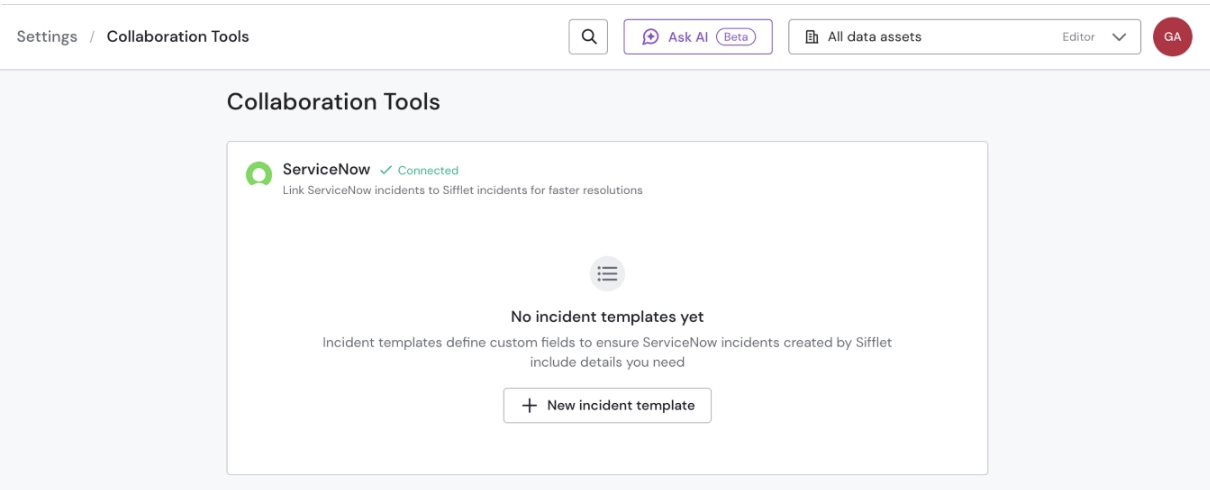
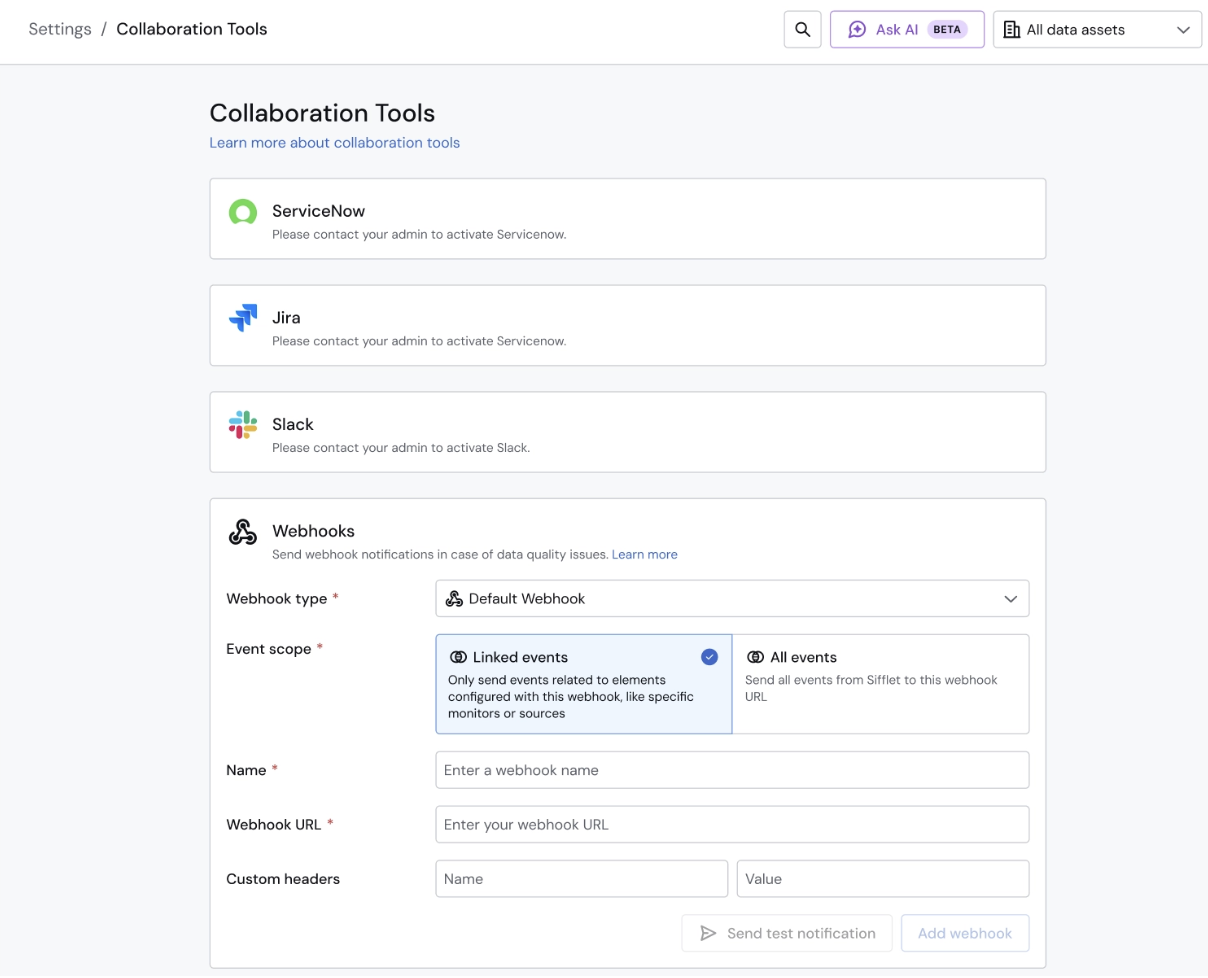
We've updated the permissions for the System Editor role. Users with this role can now view and edit collaboration tools.
System Editors can now:
- View all collaboration tools configured in your settings.
- Add or delete channels, templates, webhooks, email configurations, etc., depending on the collaboration tool.
System Editors cannot:
- Edit, connect, or disconnect a collaboration tool's connection.
For exampleSystem Editors can't edit or delete a Jira connection, but they can edit and delete Jira templates.
The same applies to Slack: they can add or delete channels, but not modify the workspace connection.
These actions remain restricted to Admins.
Why we made this change
This update gives System Editors more autonomy to configure notifications and collaboration workflows without requiring Admin involvement for every change, while keeping control over integrations and settings configuration with the appropriate users.