

Data Products: Status-Based Notifications and Summaries
We've redesigned Data Product notifications to reduce noise and provide clearer communication around data quality issues.
What's changing?
Data Products now send notifications based on their overall health status based on incidents rather than individual monitors.
Incident creation is no longer possible through Data Products.
New Data Product Health Statuses
Notifications are now triggered only when a Data Product changes status and messages based on incidents.
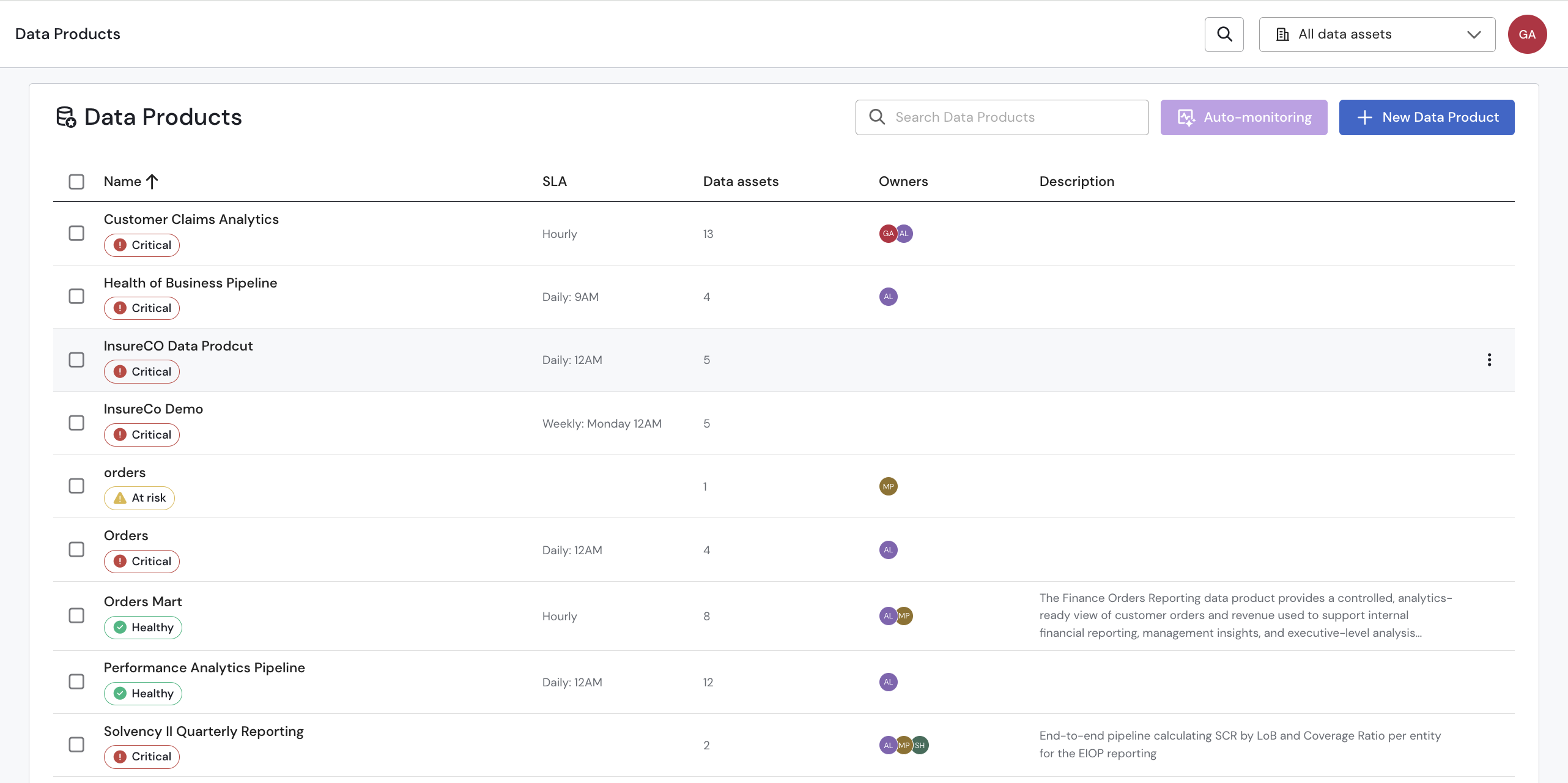
Data Products now display one of three health states:
- 🟢 Healthy — No active incidents
- 🟡 At Risk — One ore more low and moderate incidents
- 🔴 Critical — One or more high-risk or critical incidents
Message example
aDataproduct1 — 🔴 Critical

🔴 1 critical incident

* Data product critically - 1 failing monitor

🔵 1 low incident

* Data product low Incident - 1 failing monitorUsers who previously configured a data product notifications will not receive this update on messages until they complete their migration to notification rules. We plan to deprecate the old behavior in end of July. Please contact customer support if you have any questions.
Scheduled Summaries
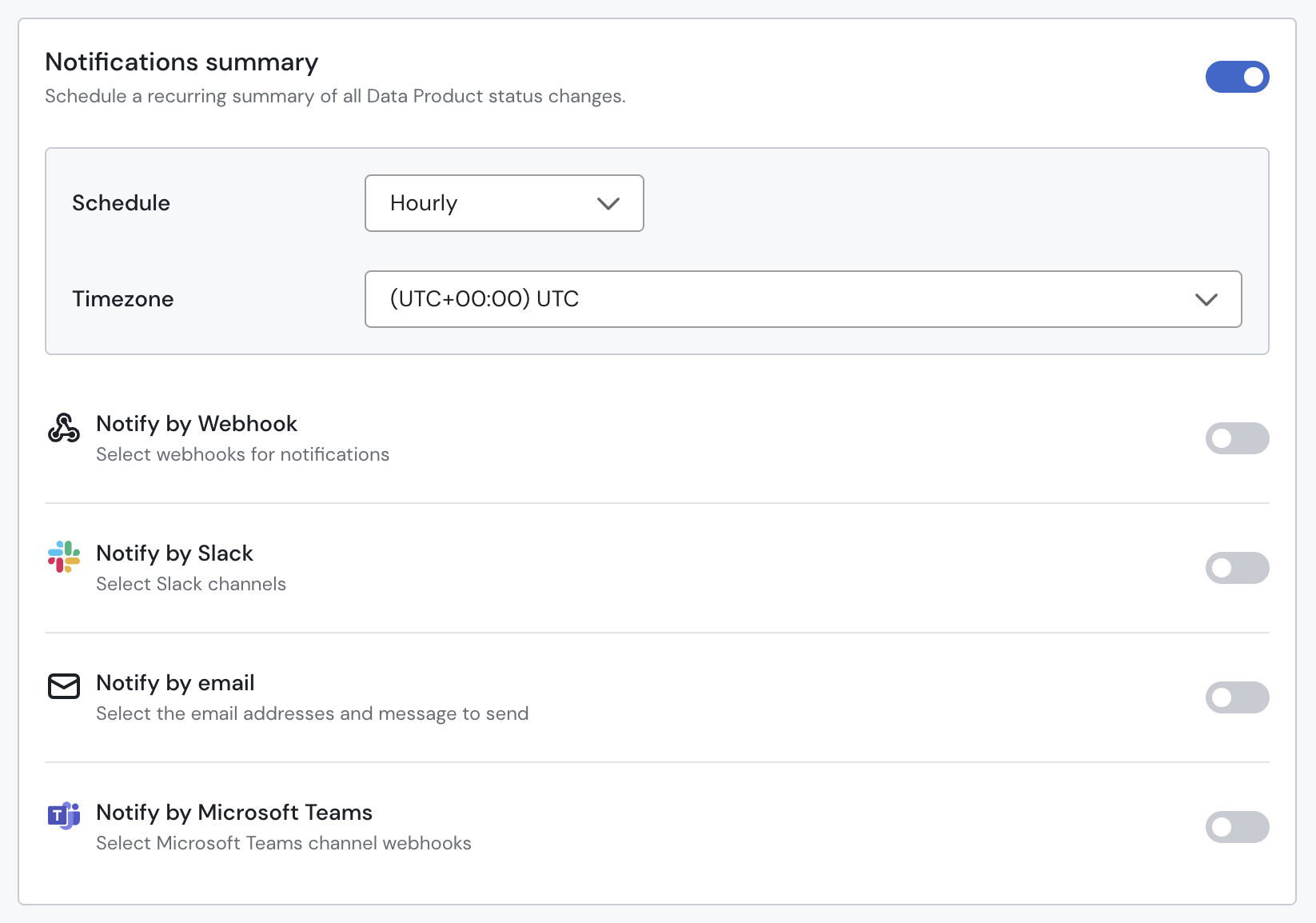
Stay informed without being overwhelmed by alerts. Scheduled summaries provide a regular overview of your Data Product's health, highlighting active incidents, recent changes, and newly detected issues.
aDataproduct — 🔴 Critical

🔴 1 critical incident
Data product critically - 1 failing monitor

🔵 1 low incident
 Data product low Incident - 1 failing monitor
Read more about it here.